


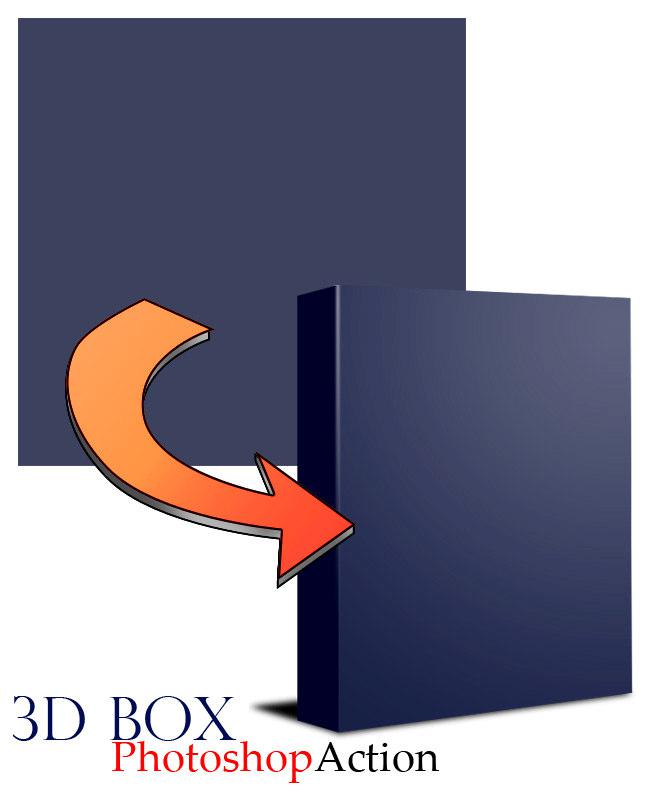

Description
Now, press Control + R to bring out the Ruler if you don’t have them on by default just yet. Right click the ruler and choose Pixels as units. What we want to do is to allocate the 100 pixels wide area from the left to be the “side” of the cover, and the remaining 400 pixels wide area to the right the “front”. First, put your mouse on the vertical Ruler as shown in the screenshot and click it. Then, without releasing the mouse button, drag it towards the right
while holding the Shift key. Once the ruler snaps to the 100 pixel mark on the horizontal Ruler, release the mouse button and the Shift key. Now that we have a clear boundary as to where each region belongs to, let’s start creating the cover!


Reviews
There are no reviews yet.